wallo

A window organizer for your Mac

Many windows.
One clear place.

Bring each project's windows and next steps together. Pick up exactly where your work is.

Download for Mac

Version 1.0.0 · See how it works

macOS 13+ Apple Silicon

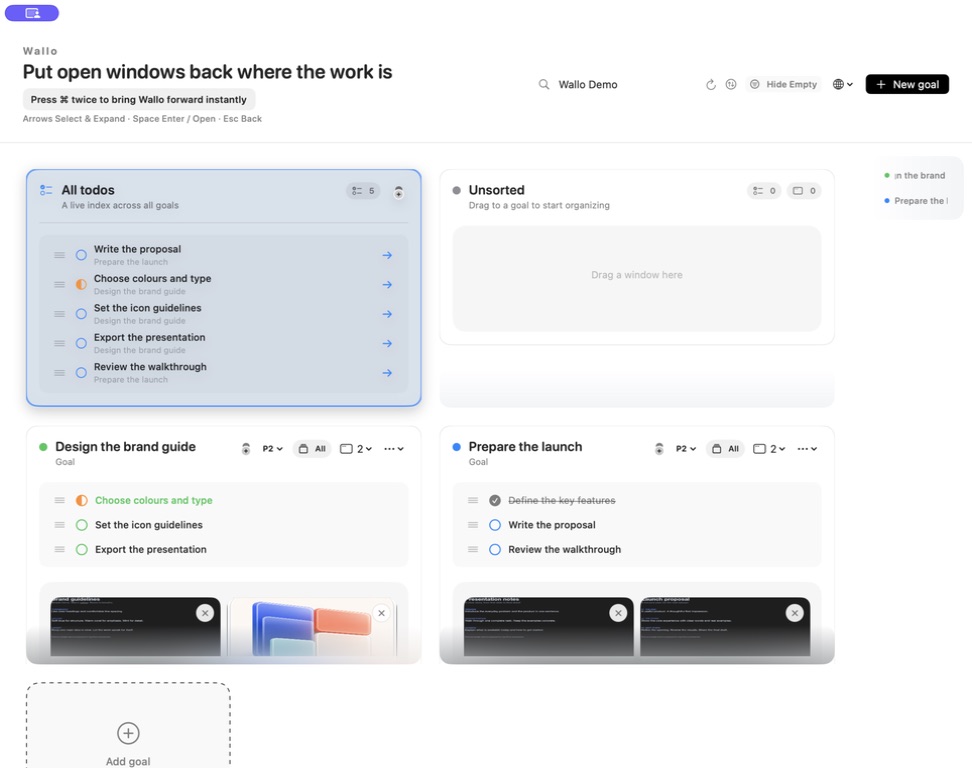
Wallo's Mac panel with a unified task list and separate goal cards, each holding tasks and open window previews.
Real Wallo. A sample workday.

The shape of a working day

A place for the project.
And everything in it.

From the first next step to the window you need now.

01 Group by goal

Windows and
next steps, together.

A document, a reference, a few things to do. Give them one goal and keep the work in view, even when it spans different apps.

Mark a task Todo, In progress or Completed, right beside the windows it belongs to.

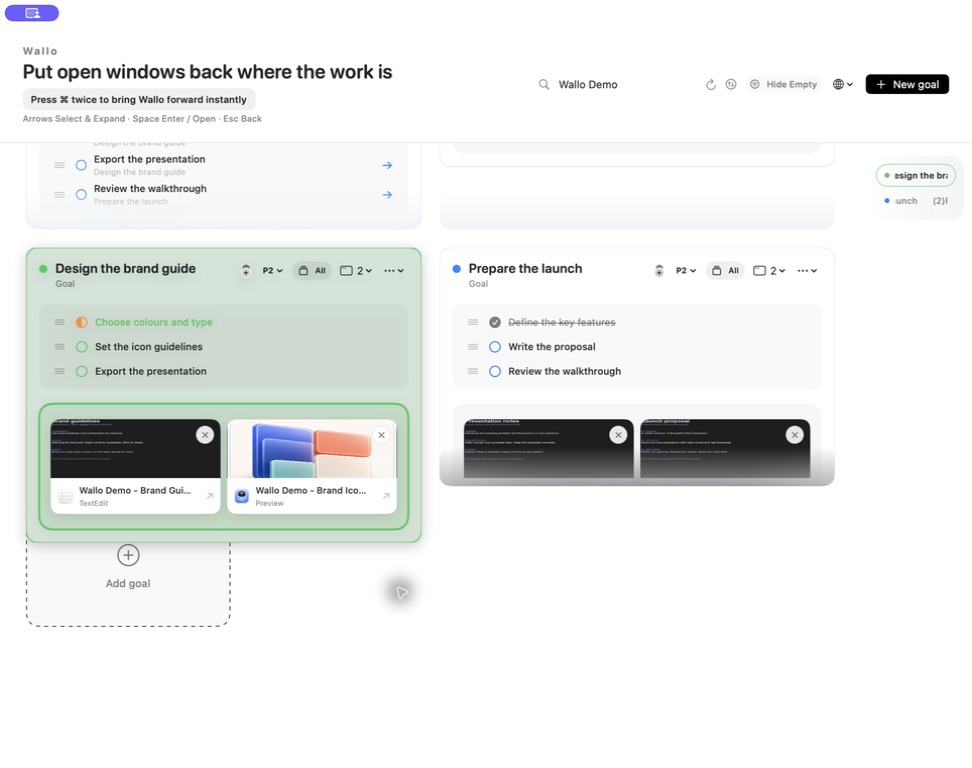
The Design the brand guide goal, with task status indicators and previews of its TextEdit and Preview windows.
One goal. Its tasks. Its windows.

02 Bring related windows

Already open?
Bring it along.

Search your open windows, select the ones you need, and add them to the current goal in one move.

The picker shows where each window belongs, so you can see what will move before you confirm.

Wallo's window picker with search, two selected windows, their current goals, and the Add 2 windows button. Choose the windows that belong.

03 Return with your keyboard

Know where to go.
Get back to it.

Double-press Command to bring Wallo forward. Choose a goal with the arrow keys, press Space to enter its windows, then select and open the one you need.

  1. Bring up Wallo
  2. Choose a goal or window
  3. SpaceEnter a goal · open a window
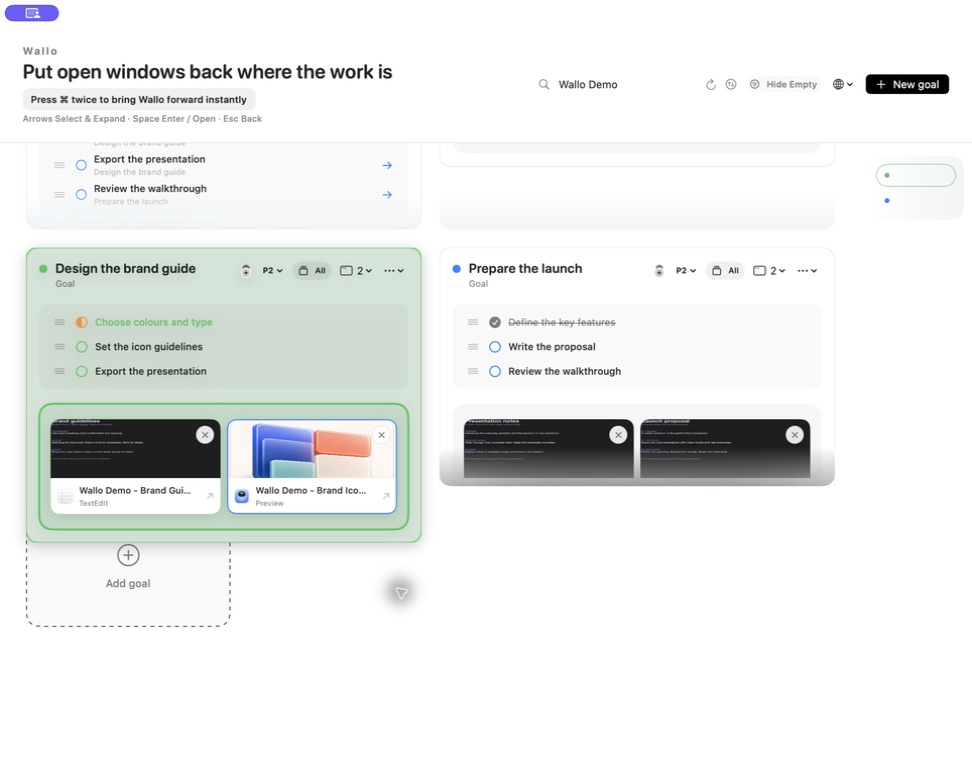
A selected green goal with a blue outline around its Preview window, showing the current keyboard selection.
Your next window, clearly selected.

04 All your next steps

A little overview.
A clear next move.

See unfinished tasks across your goals in one list. Each task keeps its project context, with a way straight back to the goal it belongs to.

One live view of your existing tasks. No second list to keep in sync.

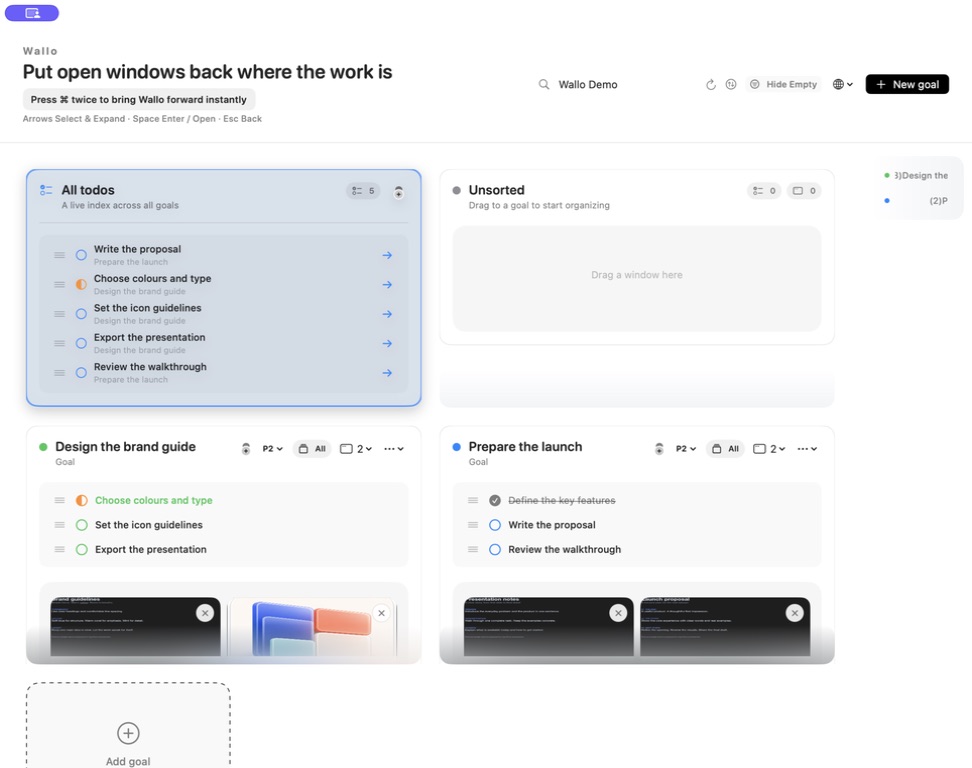
All todos lists five unfinished tasks with their goal names and arrows back to the relevant goal.
See the task. Find its context.

Your work stays on your Mac.

Goals and tasks are stored locally. Window previews stay in memory. Read about privacy ↗

A small home for your work

Make room
for a little order.

Built for your Mac. Designed around the work already in front of you.

Explore Mac workflow guides